UAT is a product person's chore: after a new feature ships, or an old one changes, log in > fill the forms > click through the whole flow (job card, invoice, payment) just to look at it. And mind you this is not for bugs, since API and browser tests already catch those, but for the subjective pass only a PM notices.
And it gets skipped, by me more than anyone: the logging in, the form-filling, the clicking. Ugh. The inertia wins more often than I'd like to admit, so I spent four hours building an agent to save myself the fifteen minutes :)
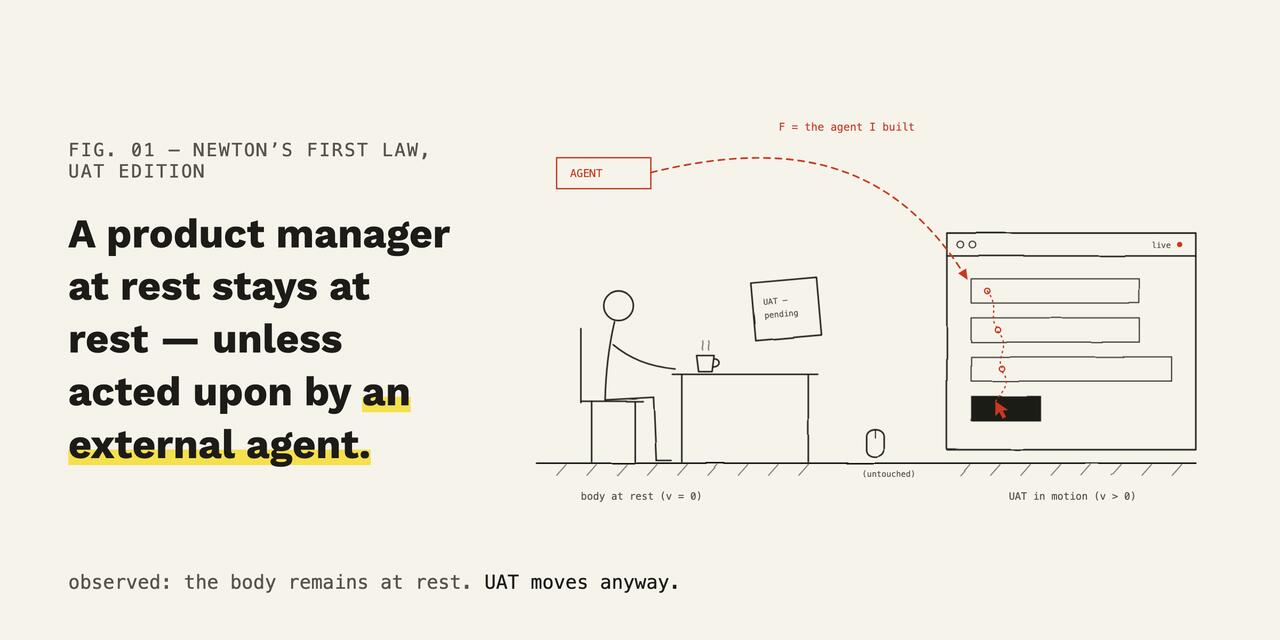
The plan was simple: the agent clicks, I watch the screen. But that is theory. In practice I was running Claude Code sessions in parallel, and “watching” meant glancing over after the moment had passed. I kept missing steps.
So I got the agent to record a screenshot at every step and stitch them into a journey it hands me at the end of the run. Now I review a filmstrip in two minutes instead of pretending to watch a screen for fifteen. Claude to the rescue again :)
Self-documenting walkthroughs that never go stale
Then the cashiers at the dealership started asking:
How do I cancel an incorrect money receipt?
Earlier, I'd write the steps out or hop on a call myself; now I just forward the question to the agent. It builds a walkthrough for that exact need: pulls the right screenshots, marks the buttons to press, and sends back something you click through instead of read. It's the same filmstrip it builds for UAT, pointed at whoever asked.
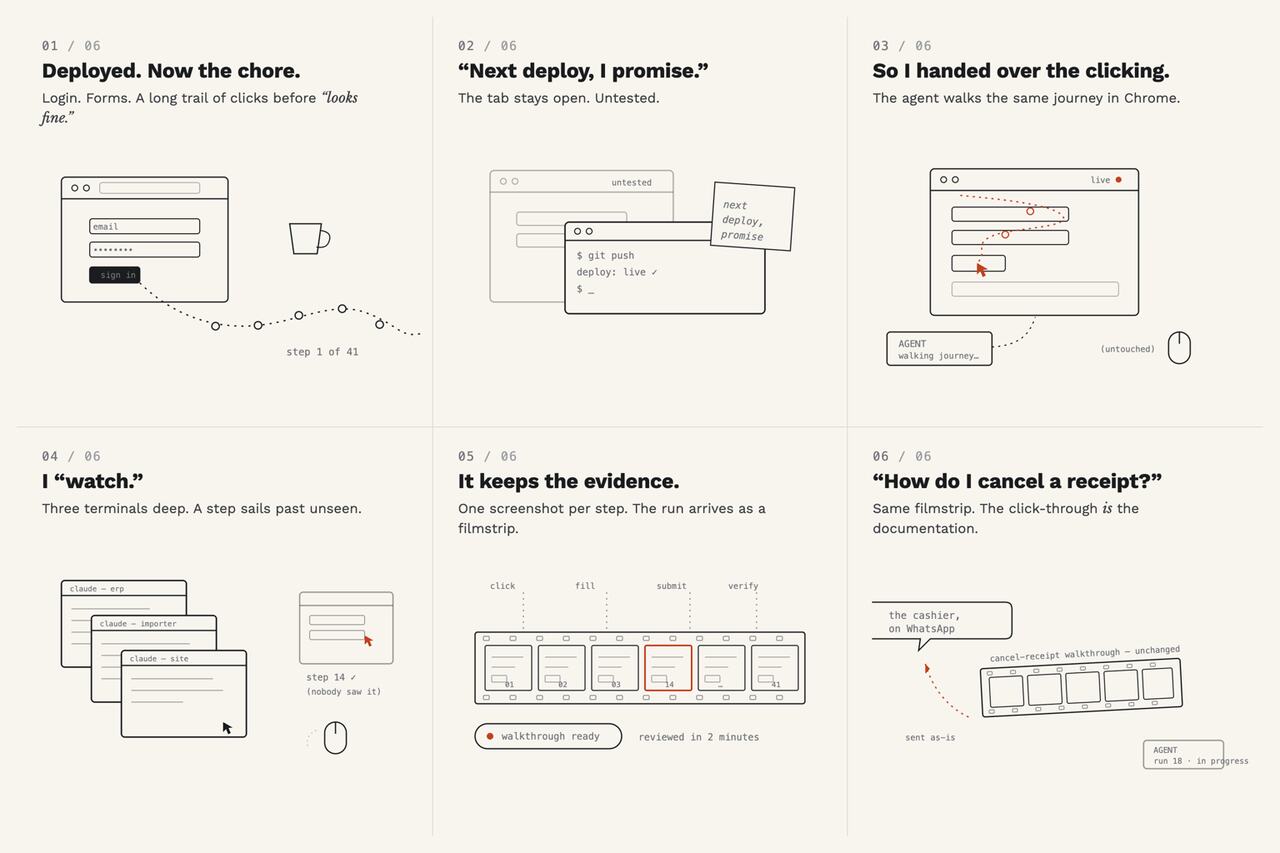
Most user docs are written once and go stale the moment the UI moves. But now mine are built on the spot against the live app, and shaped around the person who asked. The walkthrough is never out of date or context because it's never written in advance.
The support tool was a happy accident. All I wanted was to save those 15 mins of UAT and form filling :)
How much does it cost to run?
The obvious worry is the token bill with an AI agent driving the browser. Only the part that needs judgment runs on the pricey model; everything repeatable is pushed down to things that run for free:
┌──────────────────────────────────────────┐
│ Claude · frontier · ONE-TIME             │
│ writes the test once, as plain intent    │
└──────────────────────────────────────────┘
                    │
                    ▼ test spec
┌──────────────────────────────────────────┐
│ Python · EVERY RUN — the runner          │
│ drives Chrome · screenshots · PASS/FAIL  │
└──────────────────────────────────────────┘
         │                    ▲ the click
         ▼ here's the page    │ to perform
┌──────────────────────────────────────────┐
│ Qwen 3.5 35B · local · FREE              │
│ per-step decision                        │
│                                          │
│ TEXT   snapshot (DOM) → picks the click  │
│ VISION (pixels) → what text can't see:   │
│        error box · canvas · toast ·      │
│        dead click · stuck spinner ·      │
│        overlay over a button             │
│                                          │
│ resolves surprises LOCALLY (free)        │
└──────────────────────────────────────────┘
──────────▶▼ novel surprise Qwen can't resolve
┌──────────────────────────────────────────┐
│ Claude · ESCALATION ONLY (rare)          │
│ gets Qwen's 2-line text — NOT the image  │
│ — decides, hands the answer back         │
└──────────────────────────────────────────┘
                    │
                    ▼
┌──────────────────────────────────────────┐
│ PASS / FAIL · deterministic check        │
│ no model vote · no vision vote           │
└──────────────────────────────────────────┘
The expensive model runs once, plus the odd escalation; everything per-run is local or free. A full job-card-to-payment walkthrough burns ~70,000 tokens through Qwen 3.5 35B on my MacBook, so re-run it a hundred times and the bill stays flat at zero.

I delegate to Claude, Claude delegates to Qwen, Qwen delegates to Python. Best team I've ever run.
Get the next post by email.
I publish slowly. You’ll get an email when something new is up.